Google My Business Optimization: Complete Guide to Rank Higher in 2025
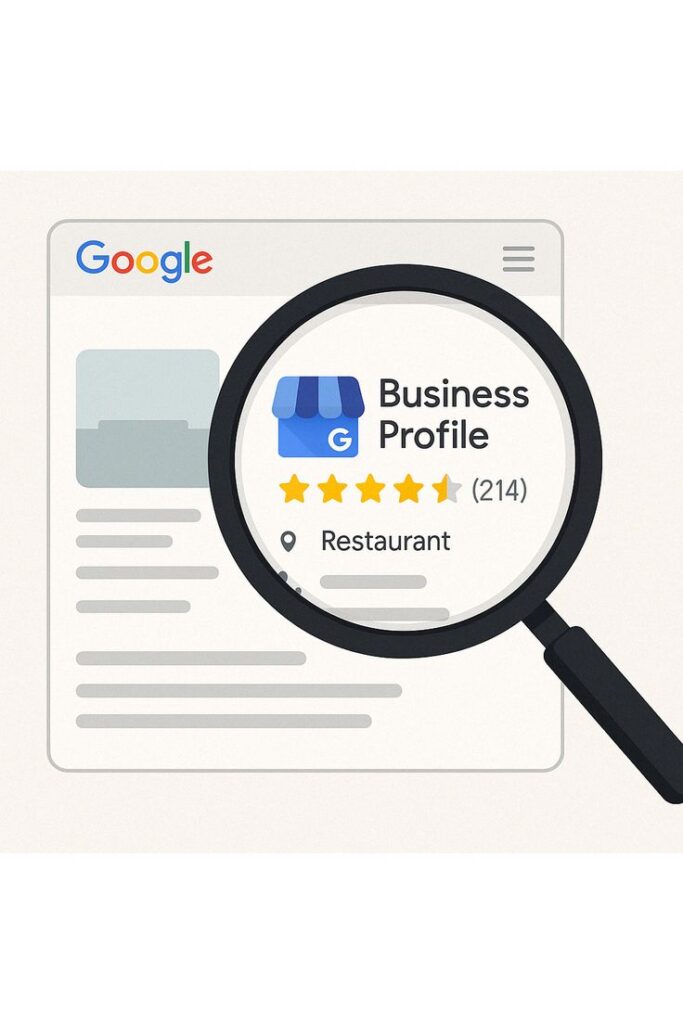
Want more local customers to find your business online? Google Business Profile (formerly Google My Business) is your answer. This free tool helps your business appear in Google Search and Maps when customers look for services like yours.
In this guide, you’ll learn proven strategies to optimize your Google Business Profile and dominate local search results. Whether you run a restaurant, clinic, salon, or any local service, these tips will help you attract more customers.
What is Google Business Profile and Why It Matters
Google Business Profile is a free platform that lets you manage how your business appears on Google Search and Maps. When optimized correctly, your business shows up in the local pack (the map with 3 businesses at the top of search results).
Step 1: Set Up Your Profile Correctly
Create Your Account
Visit business.google.com and sign in with your Google account. Enter your exact business name as it appears offline without adding keywords. Choose the most specific business category (you can add up to 10 categories total).
Add Complete Information
Include your full address, phone number, and website URL. Make sure this information matches what’s on your website exactly. If you serve customers at their location (like plumbers), you can hide your address and specify service areas instead.Google will send a verification code, usually by postcard to your business address. Some businesses qualify for instant verification by phone or email. Verification is essential to manage your listing.
Step 2: Optimize Every Section
Write a Compelling Description
Use all 750 characters to describe your business, services, and what makes you unique. Include relevant keywords naturally without stuffing.
dd Accurate Business Hours
Update your operating hours for each day and mark special hours for holidays. Keep this current, especially during festivals or special events.
Select Useful Attributes
Add attributes that help customers make decisions: wheelchair accessible, free Wi-Fi, outdoor seating, accepts credit cards, online appointments, parking available, etc.
List Your Services or Products
Add individual services with descriptions and prices. For restaurants, include menu items. For salons, list treatments. This helps customers understand what you offer before visiting.
Step 3: Upload High-Quality Photos
Photos are the first thing potential customers see when they find your business online. High-quality images build trust, showcase your offerings, and significantly boost engagement. In fact, listings with photos get 42% more direction requests and 35% more website clicks than those without.
Essential Photos
- Logo (720x720px minimum)
- Cover photo (1024x576px)
- Storefront exterior
- Interior shots
- Team photos
- Products or services in action
Step 4: Get More Customer Reviews
Reviews are crucial for local rankings and customer trust.
How to Get Reviews
Ask satisfied customers at the right moment after completing a service or sale. Make it easy by creating a short review link and sharing it via SMS, email, or QR codes in your store. Send follow-up emails with the review link included.
Respond to All Reviews
For Positive Reviews: Thank customers by name, mention specific details from their review, and keep it personal. Respond within 24-48 hours.
For Negative Reviews: Stay professional, apologize for their experience, offer to resolve issues offline, and provide contact information. Never argue or get defensive.
Responding to reviews shows you value customer feedback and improves your profile’s credibility.
Step 5: Use Google Posts Regularly
Google Posts appear directly in your Business Profile and boost engagement.
Post Types
Create What’s New posts for announcements, Offer posts for discounts and deals, Event posts for upcoming activities, and Product posts for featured items.
Posting Strategy
Post 1-2 times weekly with high-quality images and concise text. Include call-to-action buttons like Book, Order, or Learn More. Posts expire after 7 days, so maintain consistency.
Advanced Optimization Techniques
Enable Q&A
Answer common customer questions proactively. Add your own questions and answers with relevant keywords. Monitor and respond to customer questions quickly.
Turn On Messaging
Enable the messaging feature and respond within minutes. Use automated welcome messages and set clear response time expectations.
Monitor Insights
Check your Google Business Profile insights regularly to understand how customers find you, what actions they take, which photos perform best, and what search queries bring traffic. Use this data to optimize your strategy.
Build Local Citations
List your business on directory sites like Justdial, Sulekha, and industry-specific platforms. Ensure your business name, address, and phone number are identical everywhere online. Inconsistencies hurt your rankings.
Common Mistakes to Avoid
Never stuff keywords in your business name or Google will suspend your listing. Don’t buy fake reviews or incentivize reviews with payments. Always choose accurate categories and complete every profile section. Respond to all reviews, keep information consistent across the web, and avoid using low-quality photos.
Key Ranking Factors
Google ranks local businesses based on relevance (how well your profile matches searches), distance (proximity to the searcher), and prominence (your online reputation through reviews, citations, and backlinks). Focus on what you can control: complete profiles, quality reviews, and consistent citations.
Measuring Success
Track your total profile views, customer actions (calls, website visits, direction requests), photo views, and search queries in Google Business Profile insights. Aim for month-over-month growth in views and higher conversion rates from actions taken.
.
Conclusion
Google Business Profile optimization is essential for local business success. By following these strategies, you can improve your local search visibility, attract more customers, and grow your business without spending money on advertising.